Sling: Live TV + Freestream
- 4.4
- Rating
- 10.00M
- Installs
- Free
- Price

 Analysis by App-foxy
I approached Sling: Live TV + Freestream as an entertainment app for people who want television to fit around their routine rather than the other way around. It combines live programming with a free viewing area, while also offering paid plans that can be adjusted instead of locked into a long contract. That flexibility is appealing, but the experience depends heavily on how comfortable you are comparing plan choices, navigating a busy catalog, and accepting the limits of streaming television.
The app comes from Sling TV, L.L.C., and it is available at no upfront cost. That does not mean every channel or program is free: the service includes in-app purchases ranging from $0.99 to $99.99 per item. I think that distinction matters, especially for anyone who may tap through a sign-up screen expecting the whole service to remain free. The free area is useful as a starting point, while the paid side is where the more traditional live-TV replacement experience takes shape.
How Sling works in everyday use
I find it helpful to treat Sling as two related experiences: a place to start watching and a place to decide whether a paid plan fits. Keeping those jobs separate makes the app easier to judge; first see whether its live-TV approach suits your routine, then weigh plan choices against the programs you actually follow. That distinction is especially useful when deciding how to use it day to day.
You May Also Like

 Google Keep - Notes and lists
Google Keep’s Quiet Growth Shows the Appeal of Simpler Notes
As mobile work gets busier, Google Keep keeps winning a simple contest: capture a thought quickly, find it later, and get on with the day.

 Blood Strike: 2.5 Anniversary
Blood Strike’s Loadouts Turn Every Drop Into a Tactical Gamble
A close look at Blood Strike’s custom loadouts: how fast access to signature weapons reshapes its battle royale rhythm, rewards preparation, and narrows the gap between fights.

 Pandora - Music & Podcasts
Pandora’s Music Is Easy to Start, but Harder to Recover
Pandora’s strength is its low-effort path from a seed to a station. Its weak spot is how much confidence it asks you to place in connection, setup, and quiet recovery.

 8 Ball Pool
 Is Built on Rivalries, Rematches, and Routine
A close look at the rivalries, rematches, shared routines, and unanswered safety questions that turn a quick pool match into a persistent mobile community.

 Samsung Music
’s Quiet Strength Is Playing What You Already Own
Its reach comes less from spectacle than from dependable access to a personal library. That simplicity is both the app’s strongest retention engine and its ceiling.

 AccuWeather: Weather Radar
AccuWeather Review: A Quick, Clear Forecast for Everyday Decisions
For everyday plans, the best forecast is the one you can understand quickly. AccuWeather makes rain timing, radar, and local conditions easy to act on, with a few trade-offs.
More From Our News Desk



Readability and navigation across a busy TV catalog
My first impression was that Sling is designed around quick decisions: choose something live, browse available programming, or look for a particular kind of entertainment. That makes sense for a television app, but it also creates a challenge. Streaming services often place live channels, on-demand titles, recommendations, account choices, and promotional prompts close together. For someone who reads carefully or needs extra time to understand each option, the amount of information can feel demanding.
I found the most comfortable approach was to enter with a specific goal. If I wanted something to watch immediately, I focused on the live section rather than exploring every recommendation. If I was checking whether the service suited my household, I treated the plan information as a separate task. Mixing those two activities can make the interface feel more complicated than it needs to be.
That workflow is also helpful for people with attention-related difficulties. Instead of scrolling without an endpoint, decide whether you are looking for live sports, news, movies, or a free program, then stop once you have answered that question. The app is more manageable when used as a set of small routes rather than one enormous library.
Text-heavy screens deserve patience. Channel names, program titles, descriptions, and plan details all compete for attention. I would not recommend making a quick purchase while distracted, particularly if several members of a household share the device. Read the plan wording, check what you actually want to watch, and only then continue. The biggest usability improvement comes from slowing down at the subscription decision, not from browsing faster.
The service has a clear advantage over a traditional cable guide for people who dislike being tied to a fixed bundle. You can approach it as a flexible streaming option and begin with the free material before deciding whether paid access is worthwhile. On the other hand, a simple free video app may feel easier if all you want is occasional viewing and no plan comparison at all.
Motor and sensory considerations
Live television is naturally useful for viewers who prefer pressing play and following a program without managing a complicated sequence of downloads. That can reduce the number of steps involved in an evening viewing routine. It is also convenient when a household wants to switch from a news program to a film or a sports broadcast without moving between several unrelated services.
Still, streaming navigation requires repeated taps, scrolling, and selection. Someone with limited dexterity may find long browsing sessions tiring, especially when the desired program is not immediately visible. My practical advice is to decide what you want before opening the app, keep the number of searches low, and avoid treating the catalog as something you must explore from beginning to end.
For sensory needs, the most important question is whether the particular program and device combination offers the presentation controls you require. I would check the playback screen during a free viewing session before committing to a paid plan. That is a better test than assuming that every channel or title will offer the same viewing options. Program availability and presentation can vary, so the right choice depends on the content you personally need to watch.
People who are sensitive to sudden sound changes should be cautious when moving between live channels. Live broadcasts can have different audio levels, and the experience is less predictable than watching one carefully selected on-demand title. I prefer beginning with the volume lower than usual and adjusting gradually. This is a small habit, but it makes channel hopping less startling.
Viewers with low vision may also benefit from using the display and text settings already available on their phone or tablet, where those settings are supported by the device and remain comfortable during playback. I would not rely on magnification for every screen, because enlarging content can make a wide catalog harder to scan. A focused search, a familiar viewing route, and a larger device can be more practical than trying to inspect every tile.
Situational access for different households
Sling is at its best when the viewing situation changes from day to day. A person might use the free section during a quiet lunch, then consider a paid plan for regular live programming. Someone sharing a home with other viewers may appreciate having a television service that does not force the household into a long commitment. The ability to evaluate the service gradually is more valuable than it first appears.
Imagine a weekday evening when one person wants the news, another wants a movie, and nobody wants to set up a separate antenna or search through several apps. Sling can serve as a central place to start. The trade-off is that the household still needs to agree on what the chosen plan includes. If everyone expects a different set of channels, the flexibility can turn into repeated account discussions.
It can also suit people who move between locations or use television in more than one context, provided their device and connection support the viewing experience. I would test the app in the place where you actually intend to watch rather than judging it only from a strong home connection. A service that feels smooth in one room may be less comfortable in a crowded environment, during travel, or on a smaller screen.
For sports fans, the attraction is obvious: live viewing is more useful than waiting for highlights. Yet this is precisely where plan checking matters most. Do not choose a package simply because it sounds like a broad replacement for cable. Start with the specific events, news coverage, or channels that matter to you, then see whether the available option matches that routine. If your viewing is centered on one occasional event, a different purchase may be better value than maintaining a broader television plan.
For movie viewers, the app can be convenient when you enjoy browsing live programming rather than selecting a single title on demand. If you want complete control over timing, an on-demand service may be less stressful. Sling is built around the feeling of television schedules and live discovery, so it is not automatically the best answer for someone who watches only a few carefully chosen films.
What the free option changes
The free entry point lowers the risk of trying the service. I like that a curious viewer can begin by exploring without immediately treating the app as a full household commitment. It gives you a chance to see whether the navigation makes sense, whether the catalog suits your interests, and whether the playback experience works comfortably on your device.
However, “free” should be treated as a way to sample the service, not as a promise that every desired channel is included. The moment you are considering a paid option, separate the question “Can I watch something here?” from “Can I watch the exact programming I want?” Those are different questions, and confusing them is the easiest way to end up with an unsuitable subscription.
I would also use the free area to test personal access needs. Check whether reading program information is comfortable, whether moving through the catalog is manageable, and whether the playback controls are easy to locate. This is particularly important for viewers who depend on specific visual or audio arrangements. A free trial-like exploration can reveal more than a description ever could.
Remaining barriers and points of friction
The main barrier is complexity created by choice. Sling offers a more adjustable approach than a fixed television bundle, but flexibility asks the viewer to make decisions. That may be welcome for an experienced streaming user and frustrating for someone who wants one obvious button labeled “watch television.” The app is not difficult simply because it has many programs; it is difficult when content discovery and purchasing decisions overlap.
The paid structure is another consideration. Since individual in-app purchases can range from $0.99 to $99.99, the total cost depends on what you select. I would keep track of the plan or add-on decisions made during setup and review them before confirming. This is sensible for any subscription-style entertainment service, but especially important here because the free starting point can make the transition to paid viewing feel gradual.
The average rating is 3.0 from around 98 thousand ratings, with roughly 42 thousand written reviews. I read that as a sign to approach the app with realistic expectations rather than assuming it will suit every device, household, or viewing habit. Its reach is substantial, with over 10 million installs, but popularity does not remove the need to test the actual experience for yourself.
Another limitation is that live television is less predictable than a purely on-demand library. You may need to work around schedules, channel organization, or the availability of the programming you want. If your priority is replaying a small personal watchlist whenever you choose, the usual on-demand alternatives will probably feel more direct.
The app is rated for Teen audiences. That makes it a household entertainment tool rather than something I would hand to a young child without supervision. Families should still consider the specific programs being watched, because an age label for the app does not make every piece of available content appropriate for every viewer.
Comparing Sling with familiar alternatives
Compared with cable television, Sling’s strongest argument is flexibility. You can approach it without the same sense of a permanent bundle, and the free section gives newcomers a lower-pressure starting point. Cable may still be preferable for someone who values a familiar channel guide, bundled household services, or a setup that another family member already understands.
Compared with on-demand streaming platforms, Sling feels more immediate and more schedule-driven. It is a better match for viewers who enjoy live news, sports, and the shared feeling of watching what is happening now. An on-demand platform is usually the cleaner choice for people who dislike waiting for a broadcast, want to pause their entertainment plans indefinitely, or watch only selected series and films.
Compared with free video platforms, Sling offers a more television-like route into live programming. The trade-off is that its paid choices can require more thought than simply opening a free video and pressing play. I would choose it for a household that wants live viewing and adjustable access, not for someone whose only requirement is the cheapest possible casual entertainment.
Who should use it and who should skip it
I would recommend Sling to viewers who want a bridge between traditional television and modern streaming. It makes particular sense if you care about live sports, news, or movies, want to test a free option first, and do not want to commit to a long-term contract. It can also help households that are willing to compare plans carefully in exchange for more control over what they pay for.
I would be more hesitant to recommend it to someone who wants a completely effortless free catalog, a single predictable monthly choice, or a highly focused on-demand library. It may also be a poor fit if your preferred channels or events are very specific and you are unwilling to verify their availability before paying. In those cases, a dedicated service built around that one interest could be simpler.
For users with accessibility needs, I would describe Sling as worth testing rather than automatically endorsing. Its free starting point makes that test practical. Use it to assess text readability, navigation effort, audio comfort, and playback controls on your own device. If one of those areas causes repeated strain, the service is not the right choice merely because the plan looks flexible.
My inclusive verdict
Sling is a useful entertainment app with a clear purpose: bring live television, sports, news, and movies into a flexible streaming setup, while leaving room to begin with free viewing. I like the ability to evaluate the experience before making a larger commitment, and I think the approach is especially appealing to people who have outgrown rigid television bundles.
My reservations are equally clear. The service asks users to navigate a crowded content environment and make careful purchasing decisions. Live programming is not as controllable as a traditional on-demand library, and the best experience depends on whether the available plan matches the channels and situations that matter to you.
The current version is 9.5.39 and supports devices running Android 7.0 or later. That gives many Android users a practical way to try it, but device compatibility alone does not answer the more personal questions about readable layouts, comfortable controls, and suitable programming. I would install it, explore the free area, and test a normal evening routine before spending money.
Overall, I see Sling as a strong option for flexible live television, not a universal replacement for every entertainment service. Try it first as a viewing tool, then decide whether its plan structure genuinely reduces effort for your household. If it does, the combination of live content and adaptable access can be worthwhile. If it makes you compare too many choices for too little viewing, a simpler free or on-demand alternative will likely serve you better.
FAQs for Sling: Live TV + Freestream
01What is Sling: Live TV + Freestream?
Sling: Live TV + Freestream is a streaming service offering a variety of live television channels, on-demand content, and free streaming options. It's designed to cater to different viewing preferences with customizable packages, making it a flexible choice for cord-cutters looking for affordable TV alternatives.
02How much does Sling: Live TV + Freestream cost?
Sling offers different pricing tiers depending on the package you choose. The basic packages, Sling Orange and Sling Blue, start at competitive monthly rates. There are also add-ons for premium channels, sports, and international content, allowing you to tailor your subscription to your needs.
03What devices are compatible with Sling: Live TV + Freestream?
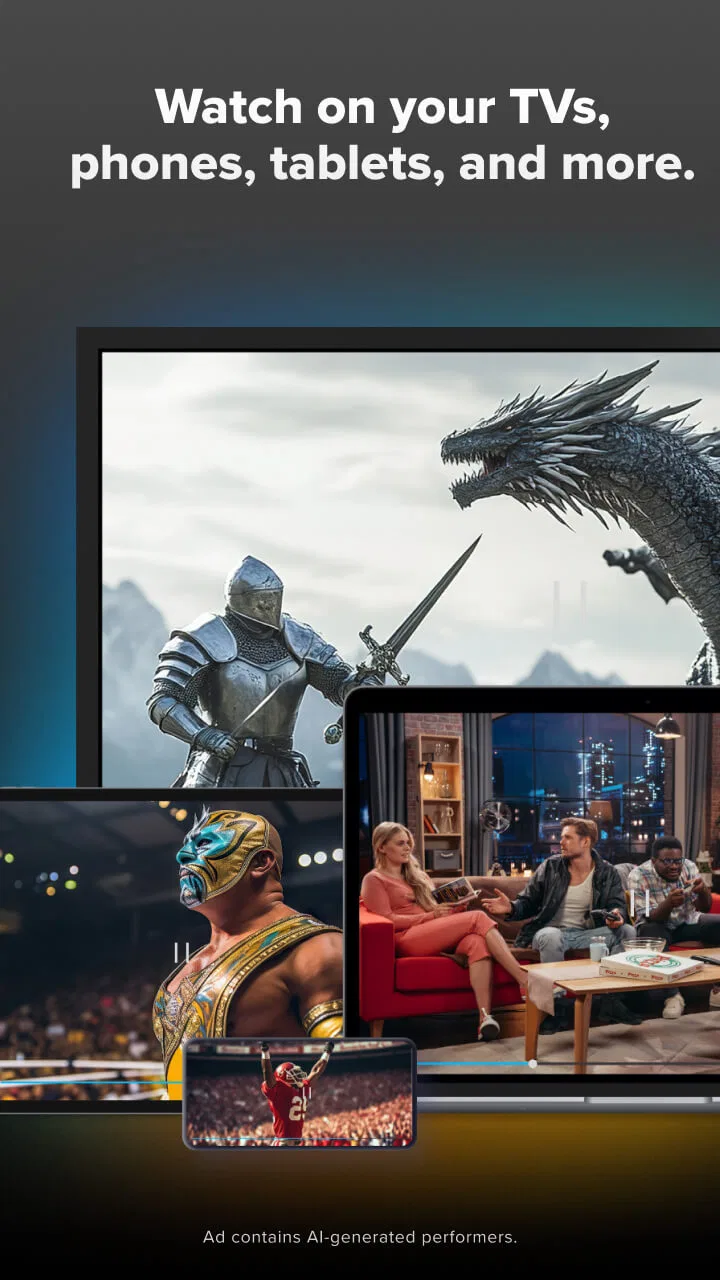
Sling is compatible with a wide range of devices, including smartphones, tablets, smart TVs, streaming devices like Roku, Amazon Fire TV, Apple TV, and gaming consoles. This versatility ensures you can watch your favorite content on almost any screen you prefer.
04Does Sling offer a free trial or free content?
Sling often provides promotional offers such as free trials for new users, allowing you to explore the service before committing. Additionally, Sling Freestream offers a selection of free content, giving users access to a variety of channels without any subscription, making it a risk-free option to start with.
05Can I record shows with Sling: Live TV + Freestream?
Yes, Sling offers a Cloud DVR feature, allowing you to record live TV and watch it at your convenience. The basic subscription includes a set number of hours of storage, but you can increase this capacity with additional purchases, ensuring you never miss your favorite shows.
Pros
- Wide range of channels available.
- User-friendly interface design.
- Affordable subscription options.
- Customizable channel packages.
- No long-term contracts required.
Cons
- Limited DVR storage capacity.
- Occasional streaming quality issues.
- Ads included in free version.
- Geographic restrictions on some content.
- Requires stable internet connection.

Sling: Live TV + Freestream
Gallery